Using Topic Views 4: Throttling Reference Topics
Throttling reference topics
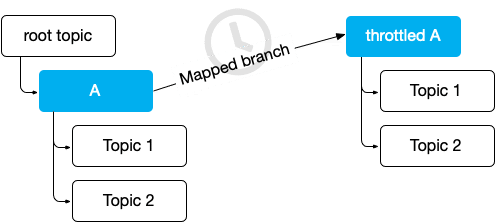
Topic views can replicate a topic branch to another branch that is throttled to update less often. We do this using a throttling clause.
- Open the Topic Views tab.
- Click Add and create a new topic view named
Football/Free.
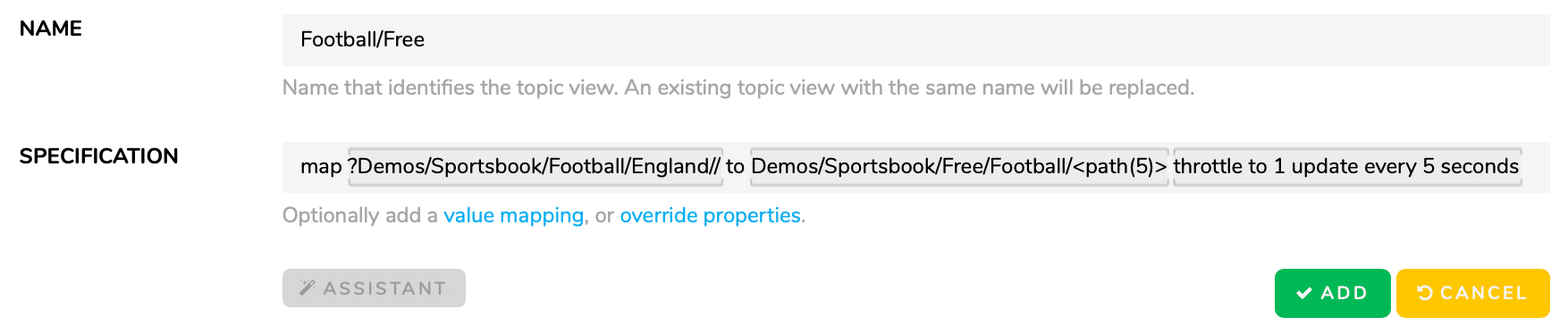
- Give it the specification:
map ?Demos/Sportsbook/Football/England// to Demos/Sportsbook/Free/Football/<path(5)> throttle to 1 update every 5 seconds. - Click Add and open the Topics tab.
- Browse to the new topic branch
Demos/Sportsbook/Freeto see the new topics.
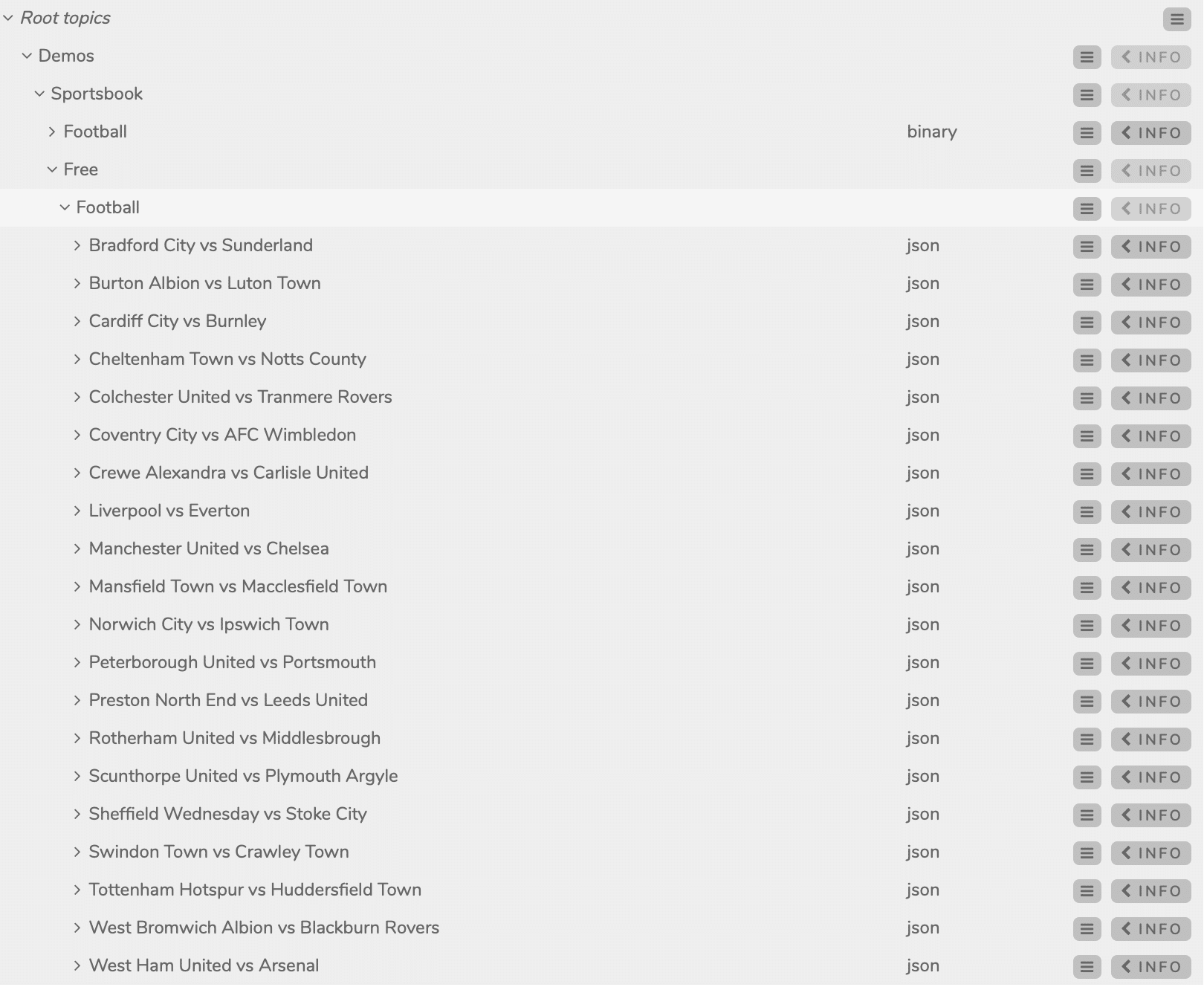
- Subscribe to the new topics and check that they are updated every 5 seconds at most.
Notice the new throttling clause: throttle to 1 update every 5 seconds. As the topic name suggests, we have built a limited version of the application for non-paying customers, providing less frequent updates and so consuming less bandwidth.
Summary: Use the throttling clause to throttle the rate of reference topic updates.